
How-to guide
Manage Amazon Ads & your AI model
Connect Sponsored Products, sync search terms, optionally bring your own AI (Claude via OpenRouter, etc.), generate recommendations, approve them, then apply — with human approval before any spend write.
- 01
Connect Amazon Ads
Open Integrations, save LWA credentials if needed, connect OAuth in the advertiser’s browser, and select a profile.
Sign in to continue →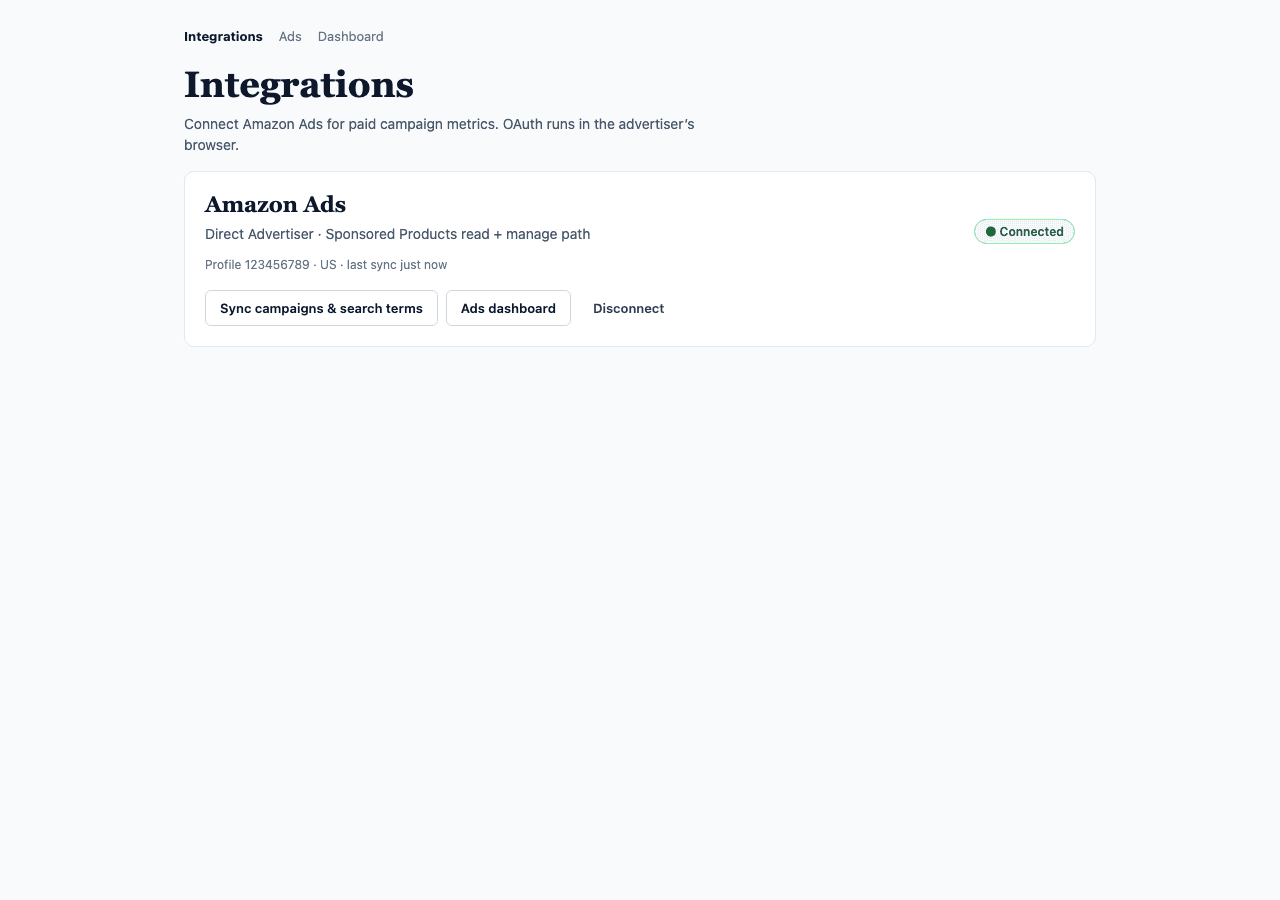
- 02
Sync campaigns & search terms
Click Sync on Integrations or Ads. Wait for campaign metrics and the search-term report, then open the Ads dashboard.
Sign in to continue →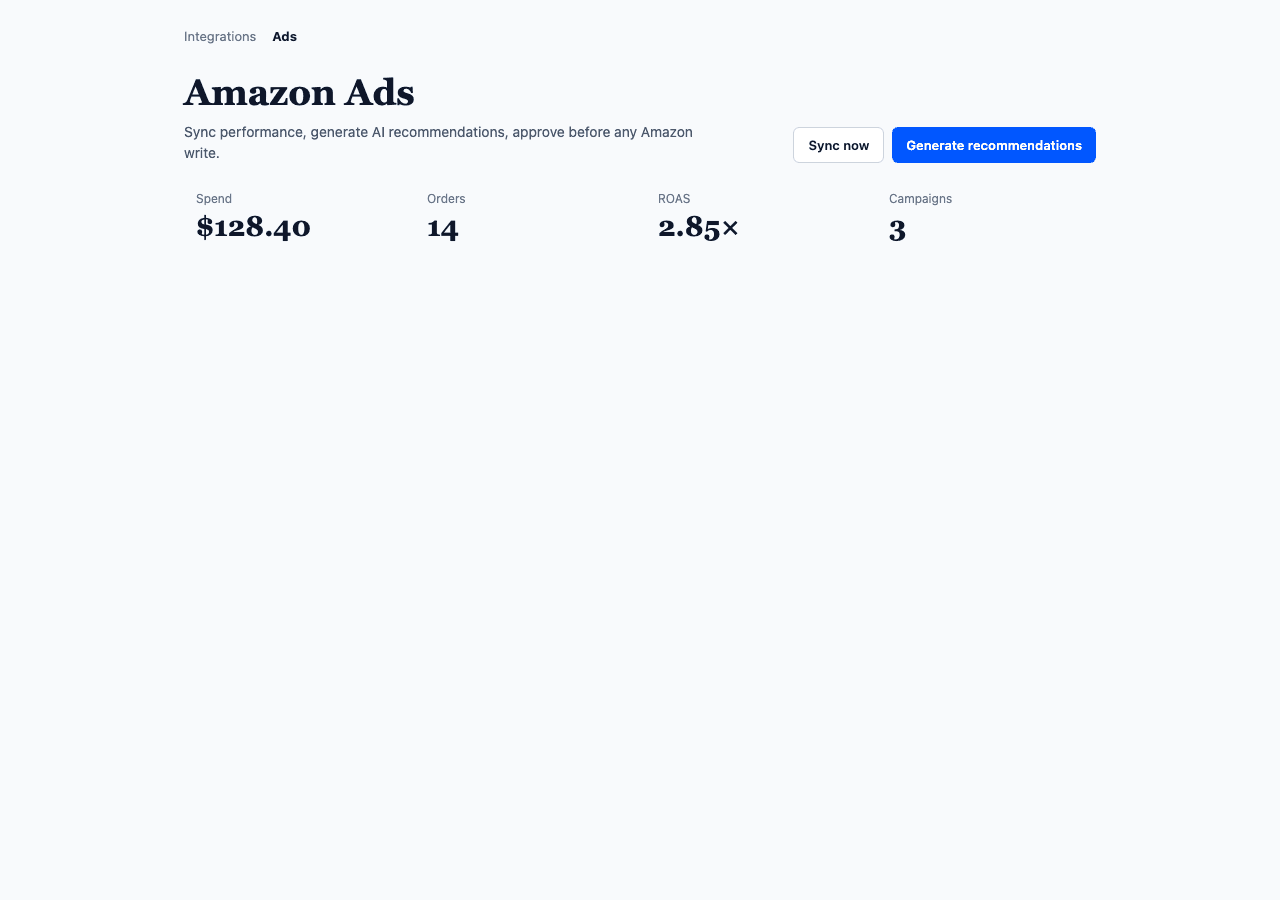
- 03
Optional: use your own AI
Default is MarketPilot’s Mac mini AI. To try Claude (or another model), set an OpenAI-compatible base URL, model id, and API key on Integrations → Your AI model. Example: OpenRouter + anthropic/claude-3.5-haiku.
Sign in to continue →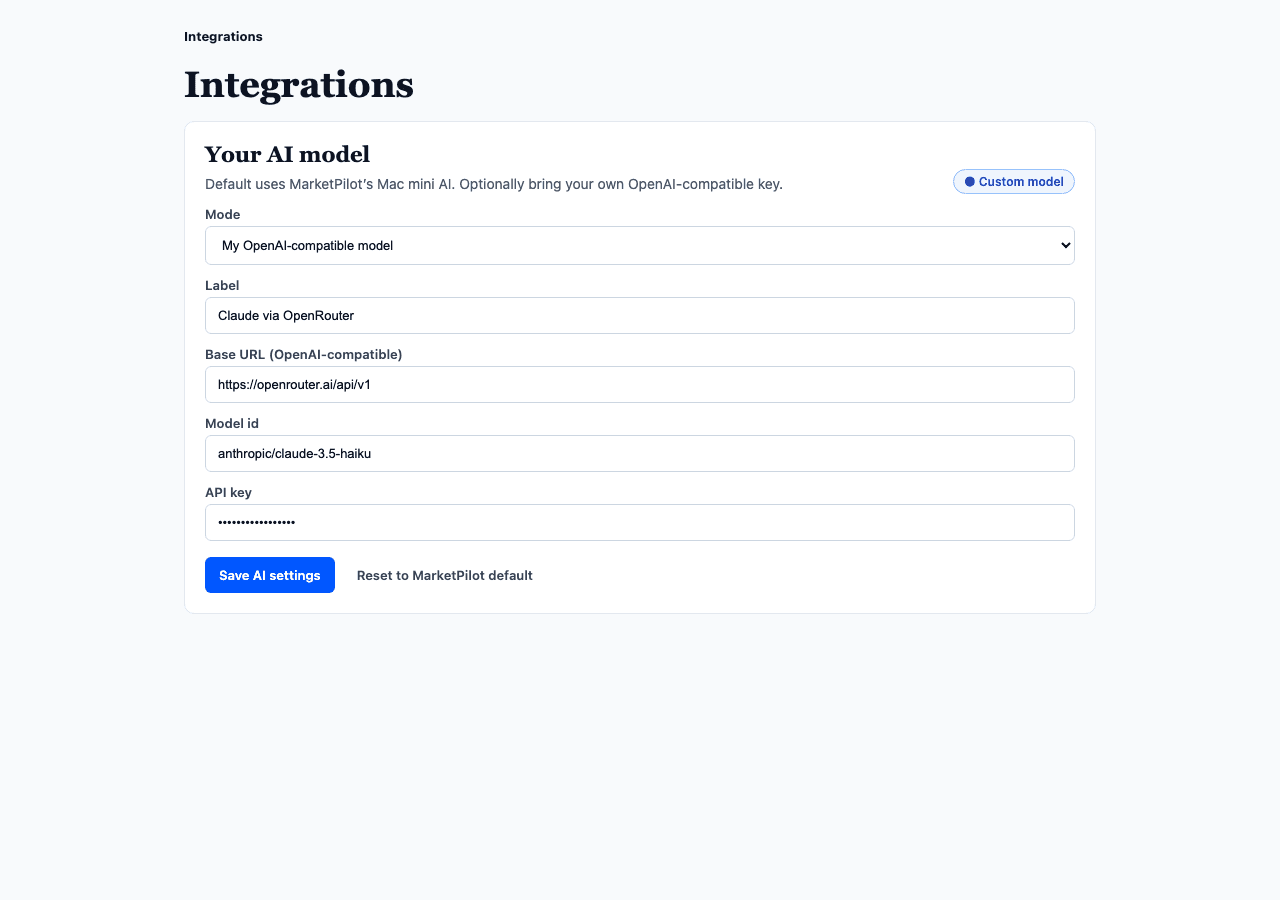
- 04
Generate recommendations
On Ads, click Generate recommendations. AI (or heuristic fallback) proposes keyword, waste, and bid actions from synced search terms.
Sign in to continue →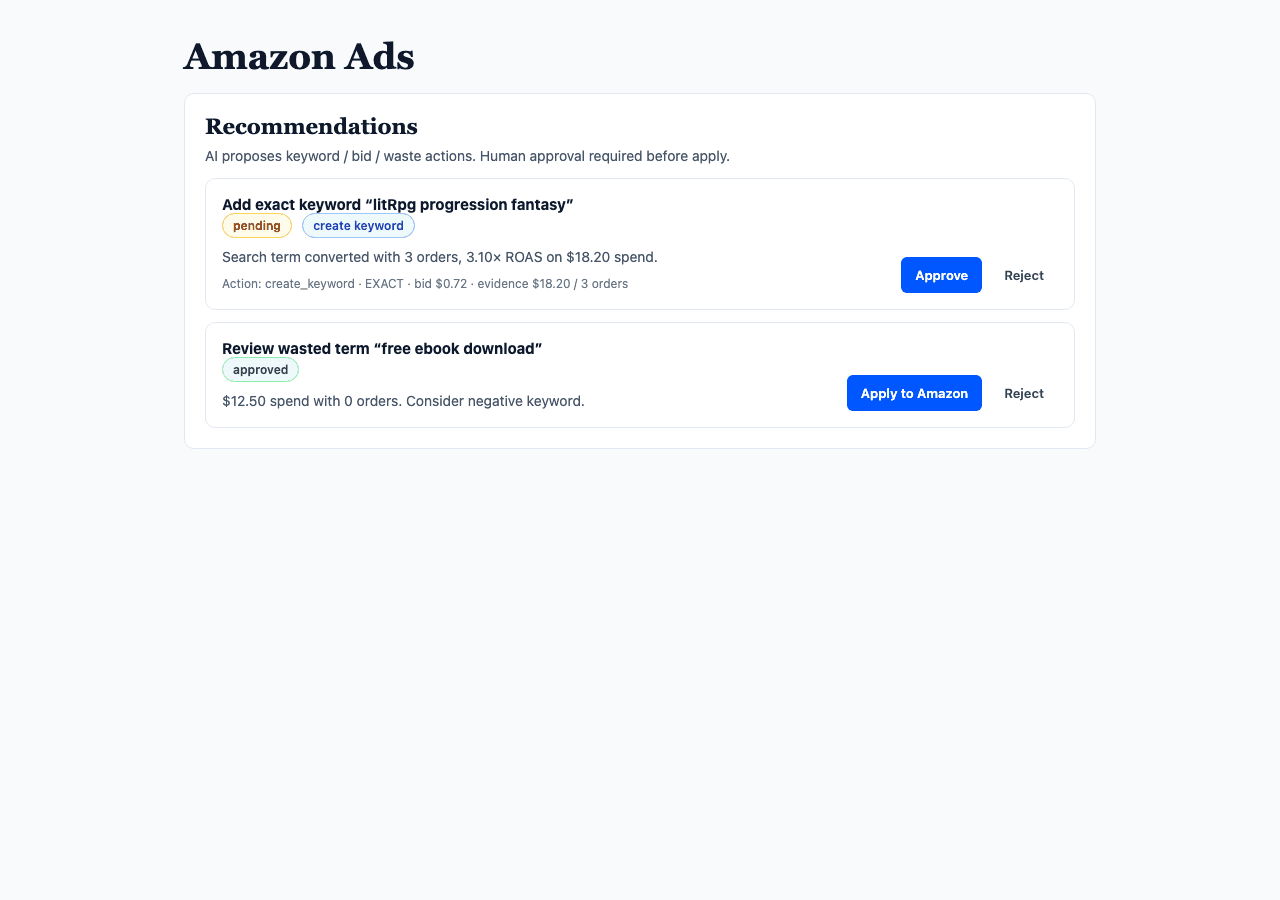
- 05
Approve, then apply
Approve or reject each card. Only approved items can Apply to Amazon. Keyword creates go live when an SP ad group exists; otherwise a dry-run is recorded. Auto-apply stays off.
Sign in to continue →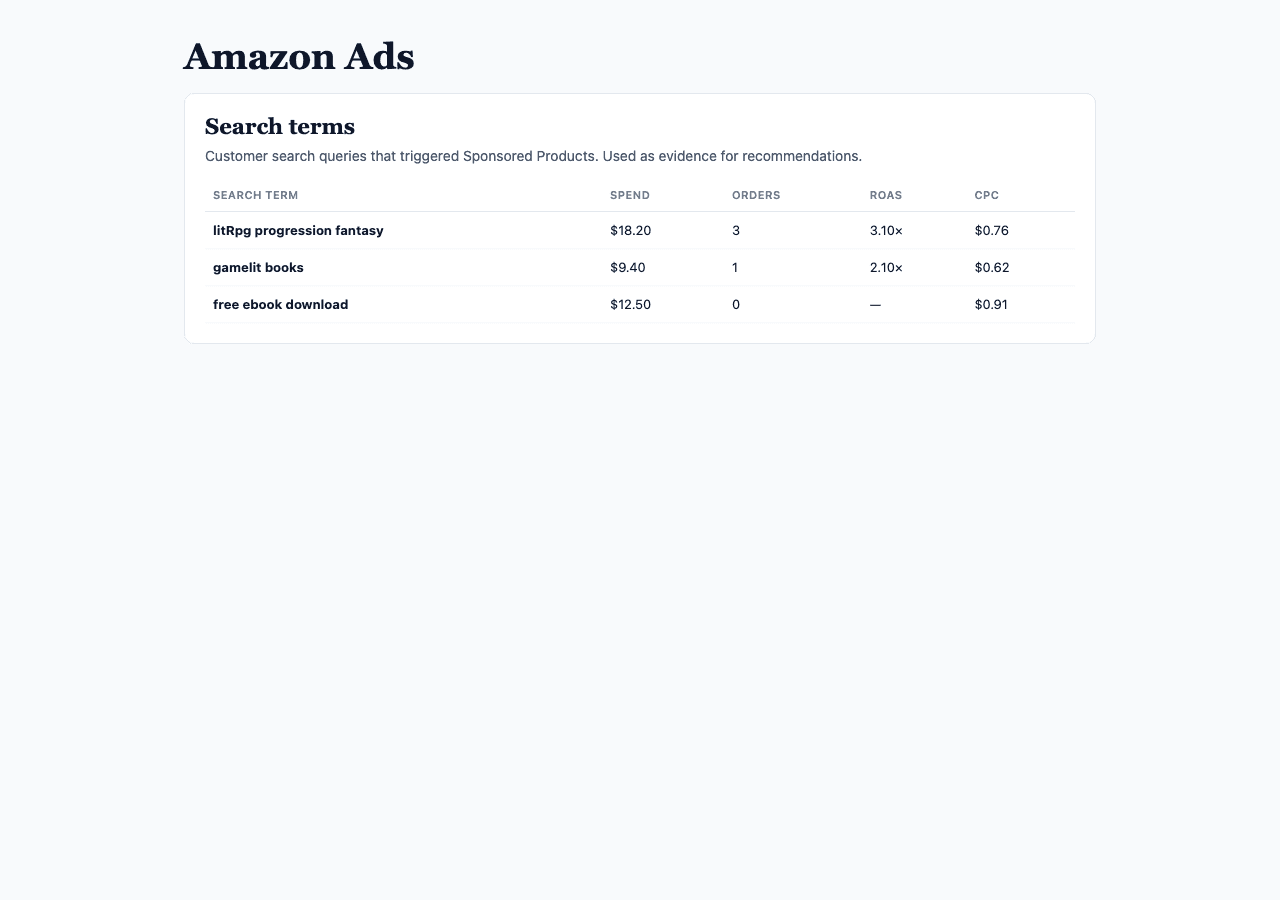
Notes
- Use a sandbox / Yamin Direct Advertiser account — not Agoes’ live company Amazon.
- Own AI must be OpenAI-compatible (chat completions). Native Anthropic Messages API is not wired yet.
- Workspace AI keys stay in that workspace only; reset anytime to Mac mini default.
- Full markdown source:
docs/product/amazon-ads-manage-guide.md